PropTx Data Agreement
PropTx operates the MLS® system for the Toronto Regional Real Estate Board (TRREB) and a number of other Ontario boards. To show PropTx listing data on your Tempo site, you'll need to submit three agreement types through the PropTx platform: DLA, IDX, and VOW. Here's what to prepare and how to complete the process.
What you'll need before starting
Board Member Credentials
Use the credentials you sign in to PropTx with (for TRREB members, your TRREB login):
- Membership #
- PIN
- Authenticator token
Your Website URLs
- PropTx requires the URLs where data will be published (1 to 3 per agreement). We suggest adding what you plan to use for a custom domain, ie. "mywebsite.com" as well as your tempo subdomain "mywebsite.ontempo.io".
- These can be updated later.
- Important: URLs cannot be used in another agreement with a different vendor.
Broker of Record Approval
- All agreements must be signed off by your Broker of Record before PropTx will process them.
- Giving them a heads-up can significantly speed up approval (as fast as 24 hours in some cases).
Step-by-step instructions
1. Log In
Go to: PropTx SSO Portal and log in using your board member credentials.
2. Click "New Agreement"
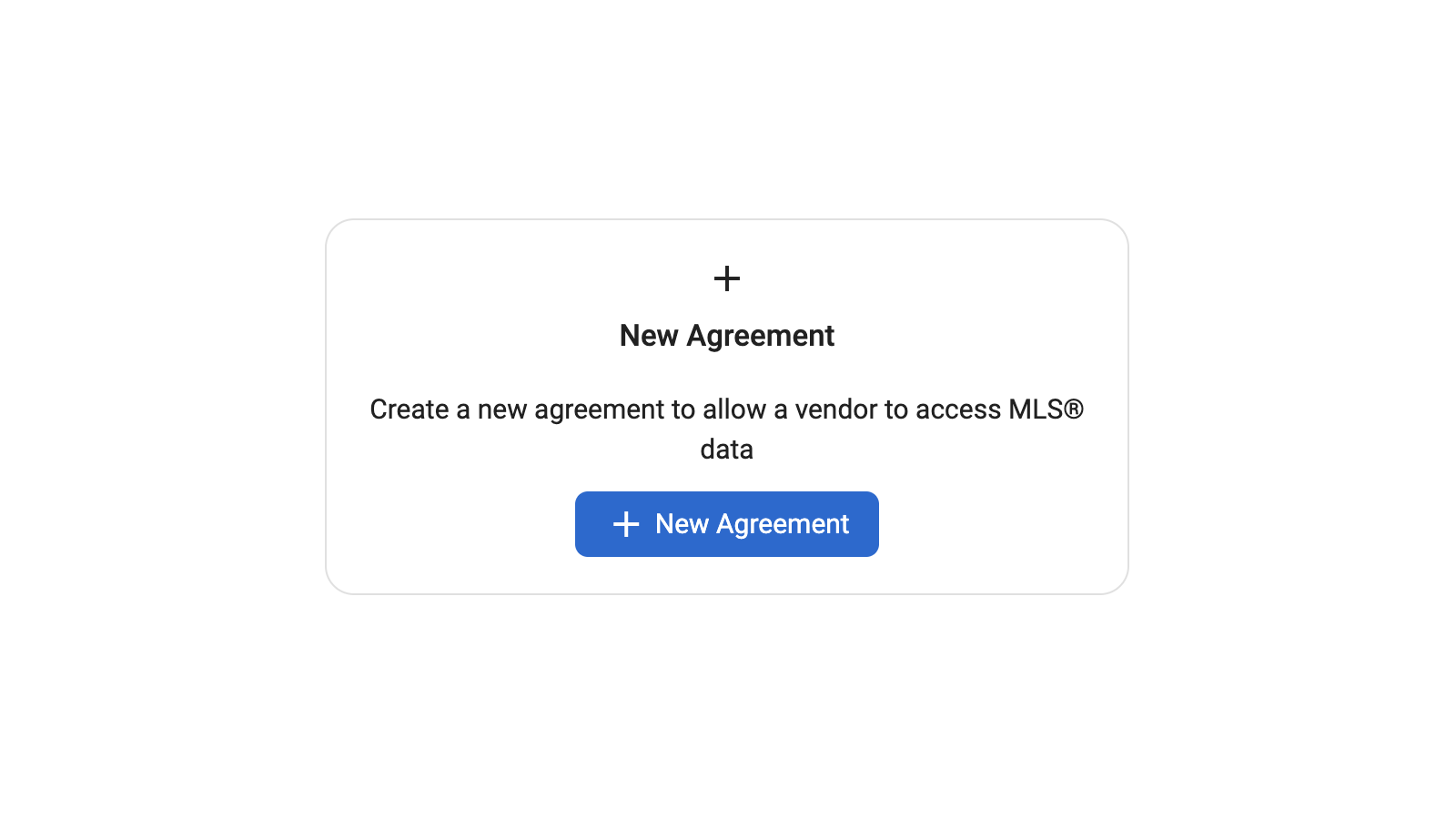
3. Create Each Agreement Type
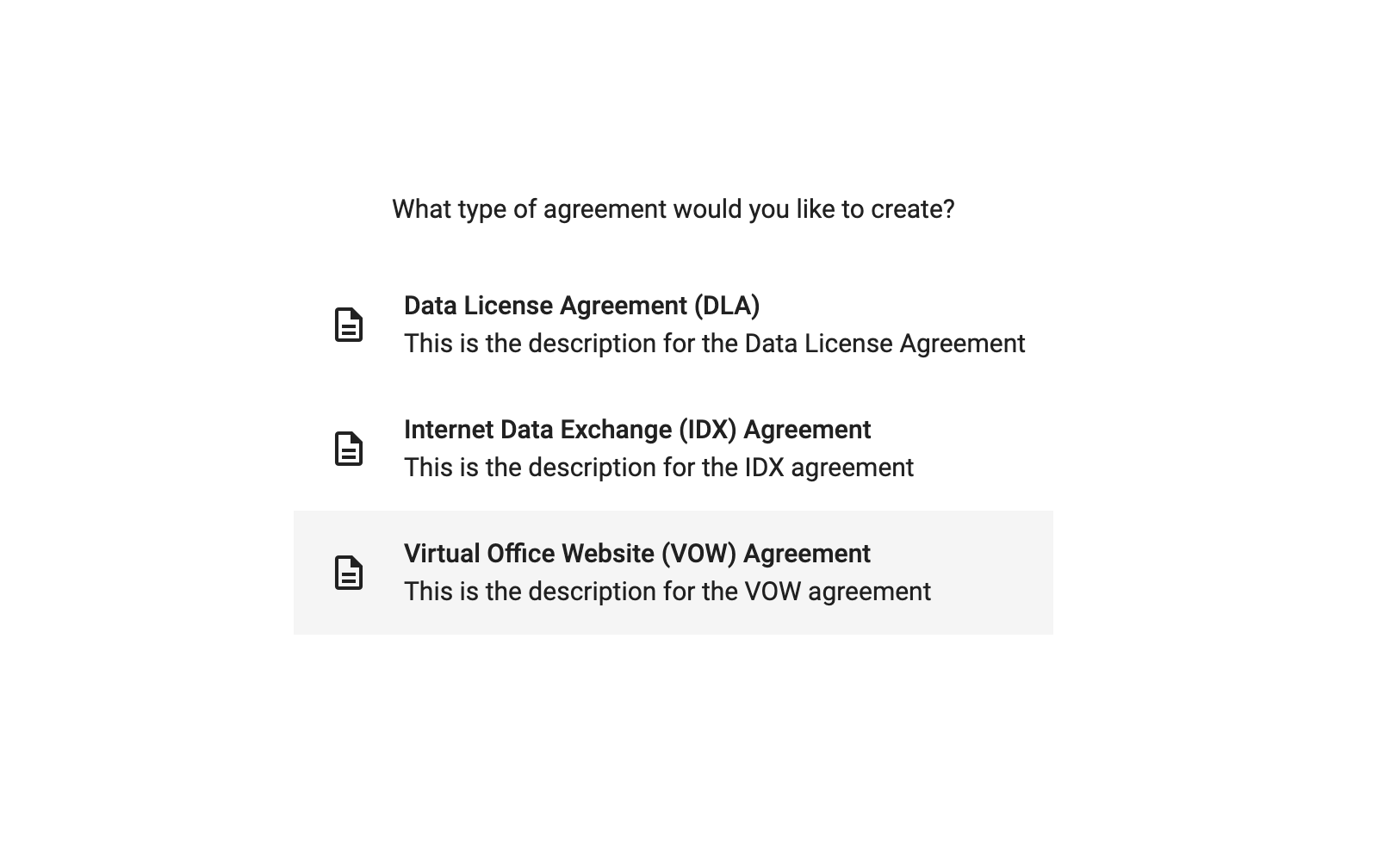
Repeat the following steps for DLA, IDX, and VOW:
-
Select the agreement type.
-
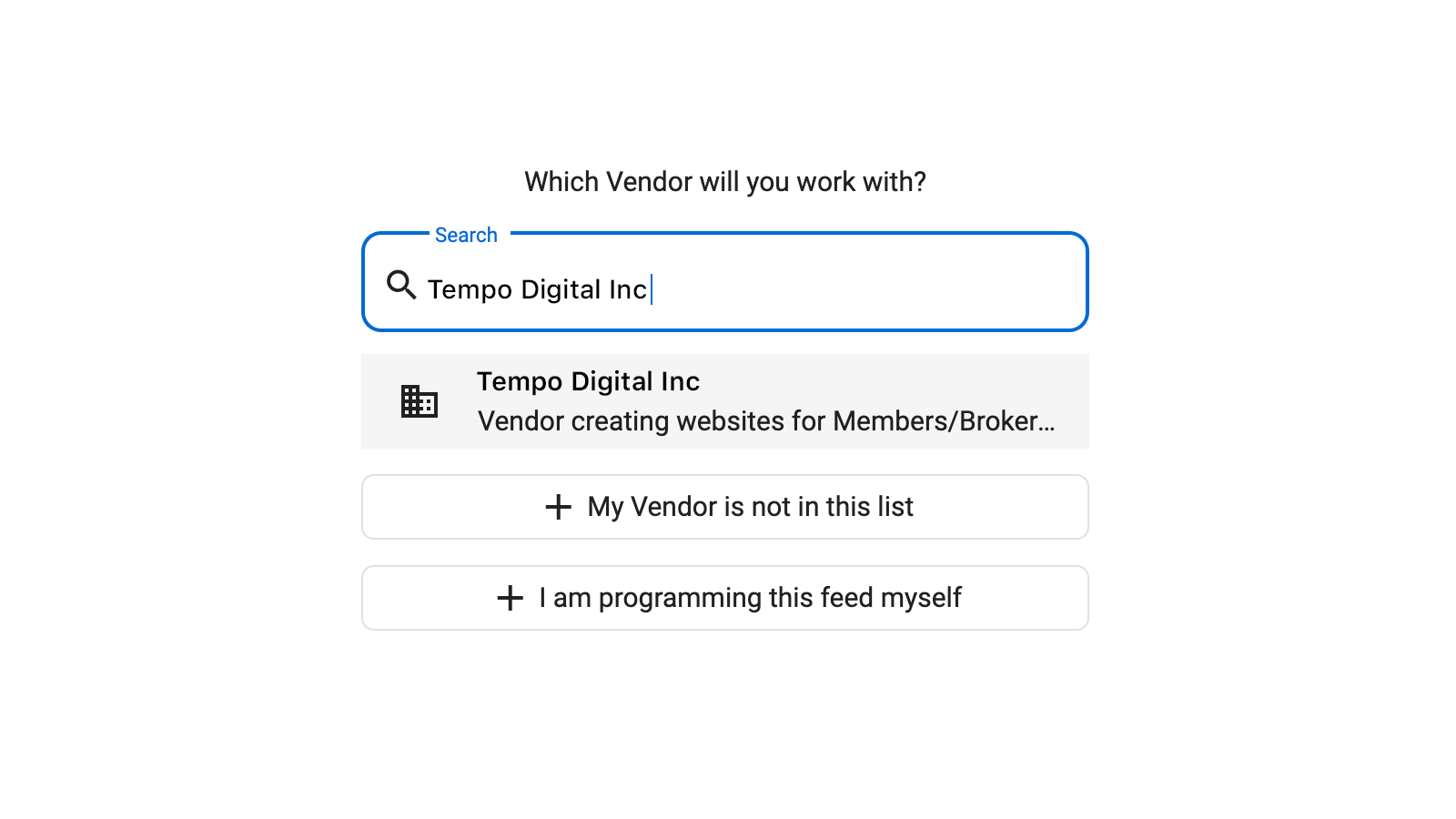
When prompted for the vendor, search for and select Tempo Digital Inc..
-
Agree to all required terms.
-
Click Sign Agreement.